Running a dental practice efficiently often comes down to one thing—keeping the schedule full. Unfortunately, no-shows and inactive patients can quietly drain revenue and waste valuable chair time. Even with a great front desk team, manually calling patients, sending reminders, and chasing missed appointments quickly becomes overwhelming.
This is where automation changes everything.
Modern dental practices are turning to smart systems like GoHighLevel to automate patient communication. With the right GHL Snapshot, dental clinics can instantly deploy automated workflows that reduce no-shows, re-engage inactive patients, and keep the appointment calendar consistently filled.
Instead of relying on manual follow-ups, automation ensures every patient receives reminders, rescheduling links, and personalized messages at exactly the right time.
Key Takeaways
- Dental no-shows can cost clinics thousands in lost revenue each month
- Automated reminders significantly reduce missed appointments
- Reactivation campaigns help bring inactive patients back for treatment
- A GHL Snapshot can deploy these workflows instantly without building them from scratch
- Multi-channel communication (SMS, email, calls) improves patient engagement
- Smart automation frees up front desk staff to focus on patient care
Why Dental No Shows Are a Major Problem
Missed appointments are one of the biggest challenges in dental practices. According to industry estimates, many clinics experience a 10–30 percent no-show rate. That means empty chairs, lost treatment opportunities, and reduced daily revenue.
The reasons patients miss appointments vary:
- Forgetting the appointment
- Busy schedules
- Anxiety about dental treatment
- Poor communication
- Lack of reminder systems
Without automation, front desk teams often spend hours making reminder calls and follow-up messages. Even then, patients still slip through the cracks, often due to missed calls or patients forgetting to respond to messages.
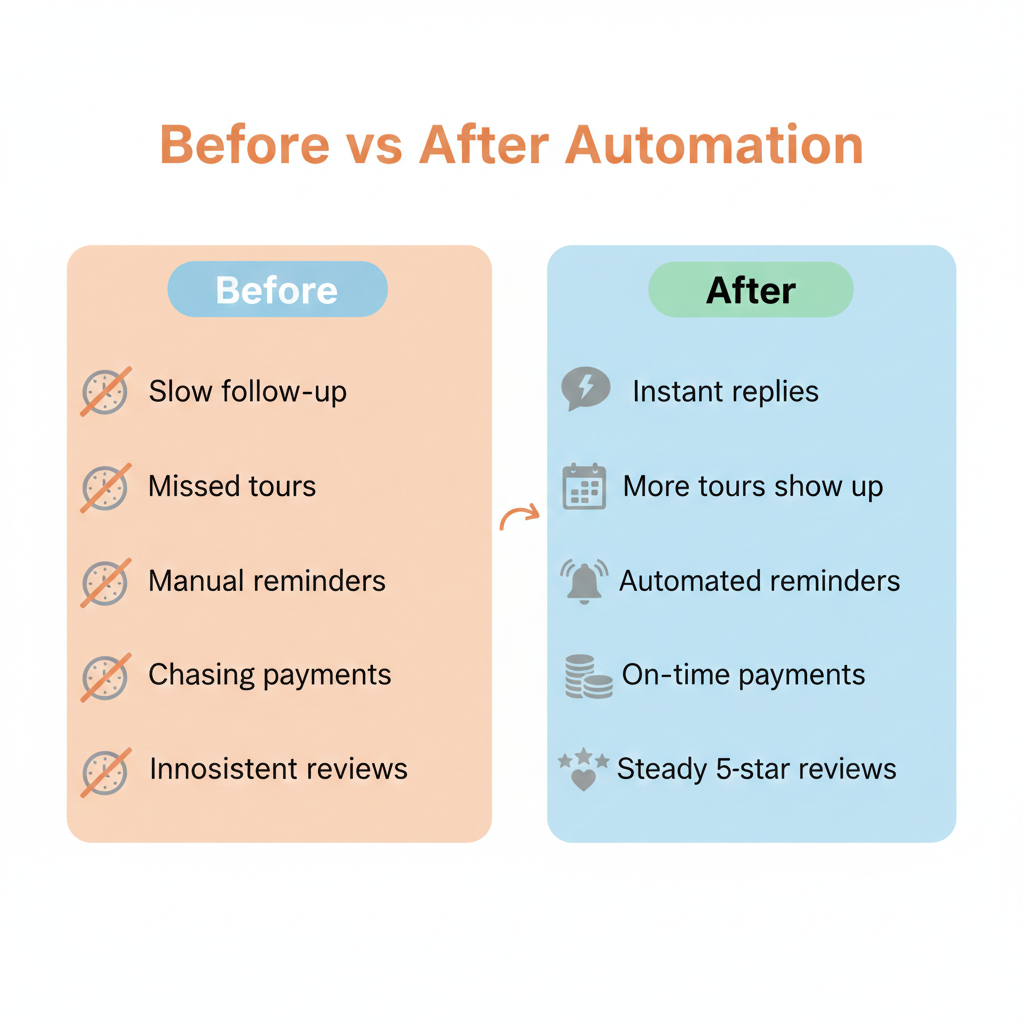
Automation solves the issue by ensuring every patient receives reminders automatically before their appointment.
What Is a GHL Snapshot
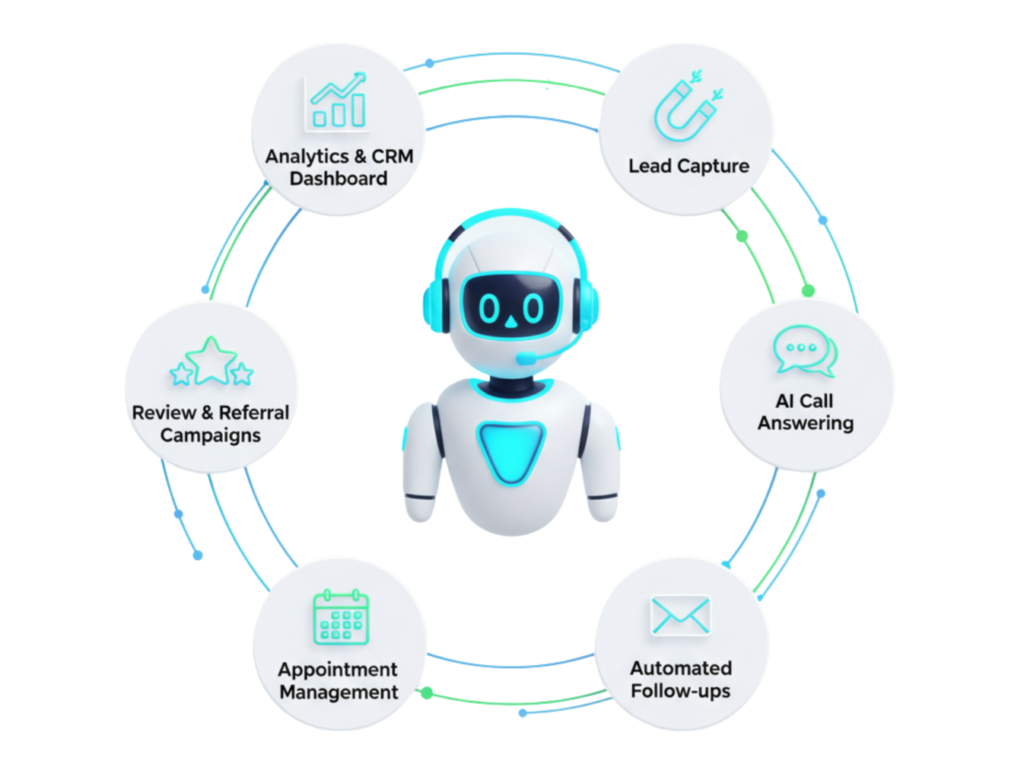
A GHL Snapshot is essentially a pre-built system inside GoHighLevel that contains all the workflows, automations, funnels, templates, and settings needed for a specific industry.
For dental practices, this means you can install a snapshot and instantly get:
- Appointment reminder workflows
- No-show recovery automations
- Patient reactivation campaigns
- SMS and email templates
- Pipeline tracking
- Online booking pages
Instead of building everything manually, the snapshot provides a ready-to-use framework that can be customized for each clinic.
This dramatically speeds up setup and allows dental businesses to start automating their communication immediately.
Dental No Show Prevention Workflow
The first key automation focuses on preventing missed appointments before they happen.
A strong reminder workflow uses multiple communication channels to ensure patients remember their scheduled visit.
Example Reminder Workflow
TriggerPatient books an appointment on the calendar.
Step 1 – Confirmation Message
Immediately send:
SMS confirmation
Email confirmation
Example SMS
Hi Sarah, your dental appointment with BrightSmile Clinic is confirmed for June 12 at 3 PM. Reply YES to confirm or RESCHEDULE here.
Step 2—24 Hour Reminder
Please send a reminder message one day prior to the appointment.
SMS example
Friendly reminder about your dental visit tomorrow at 3 PM. Reply C to confirm or R to reschedule.
Step 3-Hour Reminder
A final reminder helps reduce last-minute forgetfulness.
Your dental appointment is today at 3 PM. We look forward to seeing you.
Step 4 – Confirmation Tracking
If the patient confirms, tag them as:
Confirmed appointment
If not, the workflow can send another reminder.
This automation alone can significantly reduce missed appointments.
Ready to transform your dental practice?
See how CRM automation can streamline your practice and boost efficiency. Schedule a free demo today!
No Show Recovery Workflow
How the Workflow Works
Trigger Appointment status changes to No Show.Step 1 – Immediate Message
Send a friendly SMS within minutes. Hi John, we noticed you missed your appointment today. Would you like to reschedule? Click here to pick a new time.Step 2 – Follow Up Email
Provide another opportunity to rebook. Email example We missed you today! Our team would love to help you get back on track with your dental care.Step 3 – Follow Up Call Task
If the patient does not respond, create a task for the front desk to call.Step 4 – Limited Offer
Offer an incentive to encourage rebooking. Examples- Free consultation
- Discount cleaning
- Priority scheduling
Patient Reactivation Campaign
Many dental clinics have hundreds or thousands of past patients who have not visited in over a year. These patients already know the practice, which makes them much easier to convert than new leads.
A reactivation campaign targets these inactive patients and invites them back.
Identifying Reactivation Candidates
Patients who have:
- No appointment in 6–12 months
- No recent communication
- Missed hygiene visits
Using filters inside the CRM, these contacts can be added to a reactivation workflow.
Example Reactivation Campaign
Day 1 SMS
Hi Emily, it’s been a while since your last dental visit. We’re offering complimentary checkups this month. Book here.
Day 2 Email
Educational message about oral health and regular checkups.
Day 5 SMS Reminder
Spots are filling fast for our complimentary checkups. Grab your appointment here.
Day 7 Call Task
Front desk receives a reminder to call high-value patients.
This combination of automation and personal outreach works extremely well.
Using a GHL Snapshot for Dental Reactivation
Instead of creating these workflows manually, clinics can install a GHL Snapshot that already includes these automations.
A well-built snapshot typically contains:
- No-show prevention workflows
- Missed appointment recovery automation
- Reactivation campaigns
- Automated review requests
- Referral programs
- Appointment booking funnels
After importing the snapshot, the clinic only needs to customize:
- Branding
- clinic phone number
- appointment calendar
- services offered
Within hours, the automation system can be live and managing patient communication automatically.
Tracking Workflow Performance
Automation should always be monitored to ensure it performs well.
Key metrics include:
- appointment confirmation rate
- no-show reduction percentage
- reactivation conversions
- SMS response rates
With proper optimization, many dental practices reduce no-shows by 40–70 percent.
Ready to transform your dental practice?
See how CRM automation can streamline your practice and boost efficiency. Schedule a free demo today!
Frequently Asked Questions
What is a dental no show workflow?
How does automation reduce missed appointments?
What is a patient reactivation campaign?
Why use GoHighLevel for dental automation?
GoHighLevel provides a CRM, marketing automation, appointment booking, and messaging system all in one platform designed for business automation.
How long does it take to implement a GHL Snapshot?
Installing a snapshot takes only a few minutes. After customization, most dental practices can have their automation system running within a day.
Conclusion
Dental practices lose significant revenue every year due to missed appointments and inactive patients. Fortunately, modern automation tools make it easier than ever to solve these challenges.
By implementing smart workflows for appointment reminders, no-show recovery, and patient reactivation, clinics can dramatically improve scheduling efficiency and patient engagement.
Using a GHL Snapshot, these systems can be deployed instantly without complicated setup. With the right automation in place, dental practices can reduce no-shows, reactivate past patients, and keep their appointment calendars consistently full.
Ultimately, automation allows dental teams to focus less on administrative tasks and more on what truly matters—delivering excellent patient care.
Ready to transform your dental practice?
See how CRM automation can streamline your practice and boost efficiency. Schedule a free demo today!