
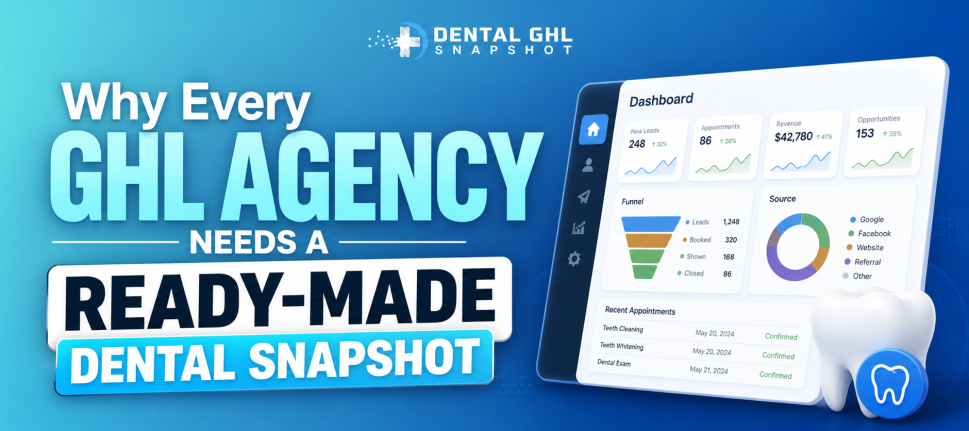
If you’re working with dental clients and looking for a scalable way to grow your agency, white-labeling a Dental GHL Snapshot can be a game-changer. Instead of building custom systems from scratch for every new clinic, you create a repeatable, branded solution that you can install into sub-accounts in minutes.
This approach allows you to sell automation, CRM, marketing funnels, and AI tools as your own software platform. Not only does it simplify delivery, but it also opens the door to recurring revenue through subscriptions.
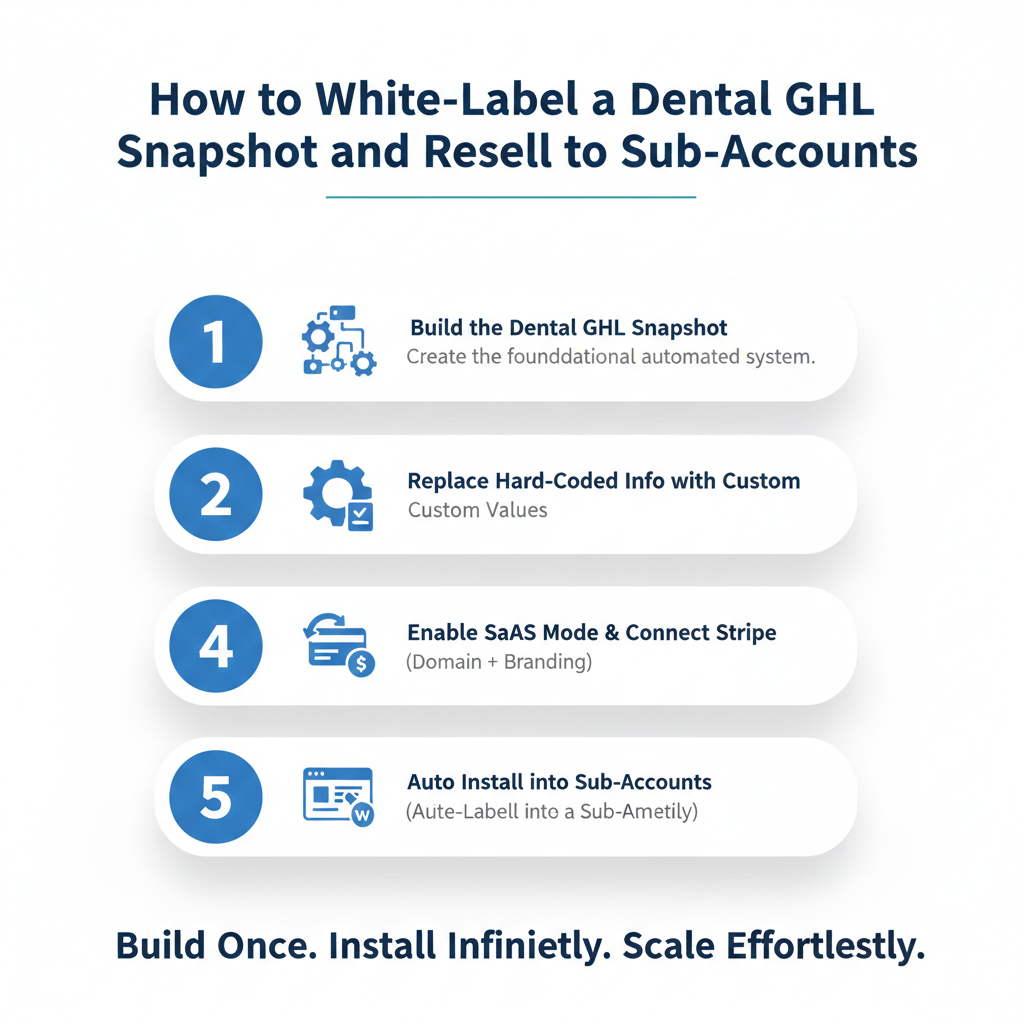
In this guide, we’ll walk through exactly how to white-label a Dental GHL Snapshot, attach it to your SaaS plans, and resell it to sub-accounts step by step.
Key Takeaways
- You can rebrand a Dental GHL Snapshot under your agency’s name using SaaS Mode
- Snapshots allow instant deployment of funnels, workflows, and automations
- White-labeling builds authority and perceived software ownership
- SaaS plans let you charge monthly subscriptions for access
- Automation reduces onboarding time and increases profit margins
What Is a Dental GHL Snapshot
Before we dive into white-labeling, let’s clarify what a snapshot actually is.
In HighLevel, a snapshot is a packaged system. It includes:
- Funnels and landing pages
- Workflows and automations
- Pipelines and opportunity stages
- Email and SMS templates
- AI chatbot configurations
- Tags, triggers, and settings
A Dental GHL Snapshot is specifically built for dental practices. It usually includes appointment reminders, missed-call text-back systems, recall campaigns, and patient nurture sequences.
Instead of manually recreating all of this for each client, you import the snapshot into their sub-account, and everything is ready instantly.
Now let’s talk about turning that into your own branded software product.
Why White-Labeling Changes Everything
When you simply “set up HighLevel” for a client, they see it as a tool you manage. But when you white-label it, it becomes your platform.
White-labeling allows you to:
- Use your own domain for login
- Display your logo inside the dashboard
- Remove HighLevel branding
- Control pricing and subscriptions
- Offer it as proprietary software
This shift transforms you from a service provider into a software owner in your clients’ eyes.And that’s powerful.
Setting Up SaaS Mode for Reselling
To resell sub-accounts, you need SaaS Mode enabled inside your agency account.
Here’s how to do it step by step.
Step 1: Connect Stripe at the Agency Level
Go to your agency settings and connect your Stripe account. This is where subscription payments will be processed.
Stripe is required because SaaS Mode automatically creates subscription plans and charges clients.
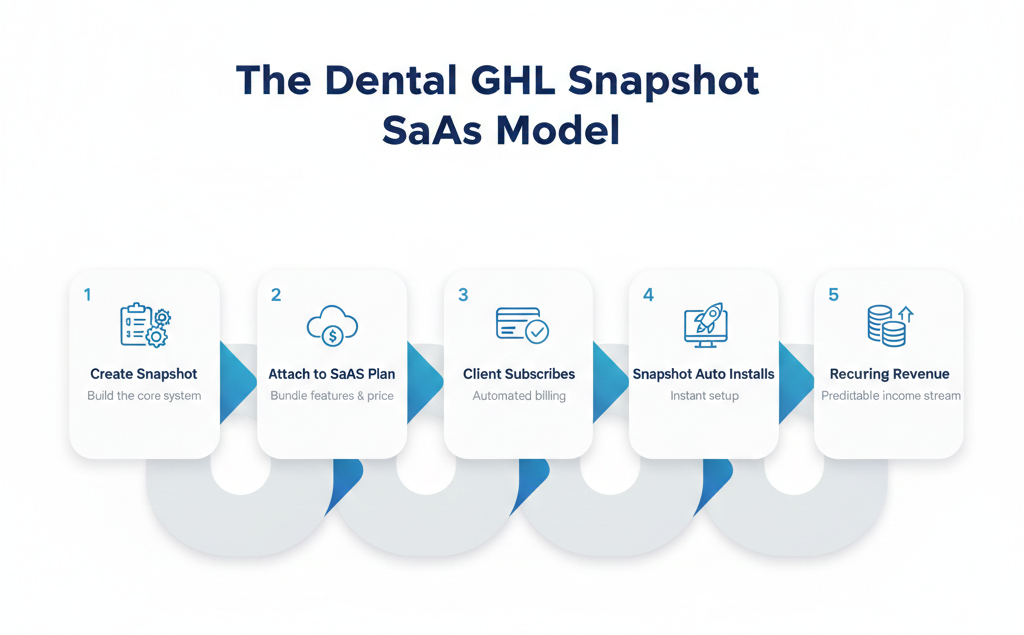
Step 2: Configure Your SaaS Plans
Inside the Plan Configurator, create different tiers. For example:
- Starter Dental Automation
- Growth Plan with AI
- Premium AI + Advanced Reporting
Attach pricing to each plan. You can charge $297, $497, or more depending on the value included.
Step 3: Attach the Snapshot to the plan.
This is where your Dental GHL Snapshot comes in.
When configuring each SaaS plan, you’ll see the option to attach a snapshot. Select your dental snapshot so that every new sub-account automatically installs it upon signup.
This means no manual work for you.
The system builds itself.
Ready to transform your dental practice?
See how CRM automation can streamline your practice and boost efficiency. Schedule a free demo today!
Customizing the Dental GHL Snapshot for Your Brand
Before reselling, make sure the snapshot feels like yours.
Update Branding
- Replace logos in funnels
- Update colors to match your brand
- Modify email signatures
- Change support contact details
Adjust Messaging
Even if the structure is solid, tweak language to reflect your positioning.
For example, instead of “Powered by GHL,” you might say:
“Powered by [Your Agency Name] Dental Growth System”
Small details increase perceived value.
Test Everything
Always create a test sub-account and run through:
- Booking an appointment
- Receiving reminder texts
- Triggering workflows
- Checking pipeline automation
- You want a smooth, client-ready experience before selling it.
Creating a Compelling Offer for Dental Clients
White-labeling alone doesn’t sell. Packaging does.
Instead of selling “software,” sell outcomes.
For example:
- Increase booked appointments by 40 percent
- Recover missed calls automatically
- Reduce no-shows with smart reminders
- Automate patient follow-ups
When dentists see revenue impact, not features, conversions increase.
You can position your Dental GHL Snapshot as:
- A Done-For-You Patient Growth System
- A 24/7 AI Front Desk
- An Automated Recall Engine
Language matters.
Onboarding Sub-Accounts Seamlessly
Once a dentist signs up for your SaaS plan, here’s what happens:
- Stripe processes payment
- HighLevel creates a sub-account
- The snapshot installs automatically
- Login credentials are sent
- The client accesses your branded platform
To make onboarding smooth:
- Provide a welcome email with login steps
- Include a short training video
- Offer a 30-minute kickoff call
- Provide support guidelines
Automation handles the heavy lifting. You focus on relationship building.
Pricing Strategy for Reselling
Here’s where profit scales.
Your costs typically include:
- HighLevel agency subscription
- AI usage costs
- SMS and phone usage
- You then mark up your SaaS plans.
Example:
If your cost per sub-account is around $50–$100 depending on usage, charging $497 monthly creates strong margins.
You can also offer:
- Setup fees
- Premium AI add-ons
- Custom funnel builds
- Reputation management upsells
- Recurring revenue compounds quickly.
Ready to transform your dental practice?
See how CRM automation can streamline your practice and boost efficiency. Schedule a free demo today!
Automating Sales for Your Dental Platform
Once your Dental GHL Snapshot is white-labeled, you can use the same system to sell itself.
Create:
- A funnel explaining benefits
- A demo booking page
- Automated email follow-up
- SMS reminders for consultations
Your platform becomes self-promoting.
You’re not just reselling software. You’re building a SaaS machine.
Common Mistakes to Avoid
Even experienced agencies make these errors.
Overcomplicating the Snapshot
Keep it clean. Too many workflows overwhelm clients.
Ignoring Training
Even the best automation needs orientation.
Underpricing
If you price like a tool, you’ll be treated like one. Price based on ROI
Frequently Asked Questions
Do I need a special HighLevel plan to white-label?
Yes. You need the agency plan that includes SaaS Mode to create subscription-based sub-accounts and remove branding.
Can clients see HighLevel branding?
How long does it take to set up?
Is it better to charge monthly or one-time?
Can I customize each sub-account after installation?
Will these automations bother patients with too many messages?
Conclusion
White-labeling a Dental GHL Snapshot and reselling it to sub-accounts is one of the smartest moves an agency can make in the dental niche. It turns your service into a scalable software product, increases profit margins, and reduces repetitive work.
Instead of rebuilding automation systems over and over, you create them once and deploy them infinitely.
With SaaS mode, Stripe integration, and a well-structured snapshot, you’re no longer just offering marketing help. You’re offering a branded dental growth platform.
And when done right, that platform doesn’t just support your clients’ growth
Ready to transform your dental practice?
See how CRM automation can streamline your practice and boost efficiency. Schedule a free demo today!